Bukan Materi Pelajaran yang Sulit, tapi Memulai Untuk Belajar itu yang Sulit.

Showing posts with label SQL Query. Show all posts

DML - Change Name Records use CMD

11:07 PM Posted by develop code source No comments
Add, change, delete, including Data Manipulation Language (DML) on sql query, in this tutorial I will give one example DML code, that is, change name records in mysql..

this is structure table.. before it is manipulated :


on the column name, contains : Wahyudi
I would change its name to : Wildan

With Code Query :

UPDATE "Name Table" SET "Name Column" = 'Wildan' WHERE "Name Column Primary" =1;

Example Code Query on Image :

  
 this is structure table.. after it is manipulated :


There are also video tutorials :


by: wahyudev  

DML - Change Name Column use CMD

10:46 PM Posted by develop code source No comments
Add, change, delete, including Data Manipulation Language (DML) on sql query, in this tutorial I will give one example DML code, that is, change the column name in mysql,,

this is structure table.. before it is manipulated :


Column : no
Type : int(10)
Null  : No
Key : Primary 

I will turn it into:

Column : NIP
Type : int(20)
Null : No
Key : Primary

With This Code or Query:

ALTER TABLE "Name Table" CHANGE "Current Name Column" "New Name Column"  INT("Integer Number") NOT NULL;


Example Code or Query on Image :


this is structure table.. after it is manipulated :


 There are also video tutorials :


by: wahyudev
  

CONNECT TO MYSQL USE COMMAND PROMPT

10:19 AM Posted by developcode No comments
DEVELOP-CODE today I will give one example to operate by using the MySQL database .. are already available in the application XAMPP, one of which is a tutorial on how to connect to MySQL..?
just play..>>

The first open a command prompt by click Start -> Acsessories -> Command Prompt [enter].
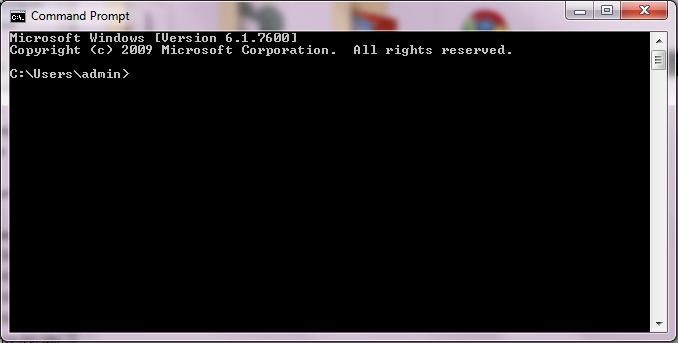
after the command prompt window will appear:

further navigate the directory command to storage mysql.exe
because I use XAMPP, so mysql.exe located in the folder XAMPP:

C:\xampp\mysql\bin\

then code like this:
cd../../ [enter]
cd xampp [enter]
cd mysql [enter]
cd bin [enter]


cd (Displays the name of or changes the current directory.)
cd../ (to return to the previous folder directory)
cd xampp (to go into the directory folder called xampp)


when it is appropriate directory folder, then connect to mysql database
with code
: mysql -u root -p [enter]


mysql (open application mysql.exe)
-u (insert username)
root (username)
-p (insert password) 

note * if first install XAMPP Applications typically do not use a password so just remove the code -p,

username and password as the connection to MySQL successfully..

video tutorial this page.


develop-code write.